要点
- 1Route type is the fastest way to understand how execution will work.
- 2Destination asset and destination network matter as much as the quoted amount.
- 3Timing caveats and route refreshes should be reviewed before confirming.
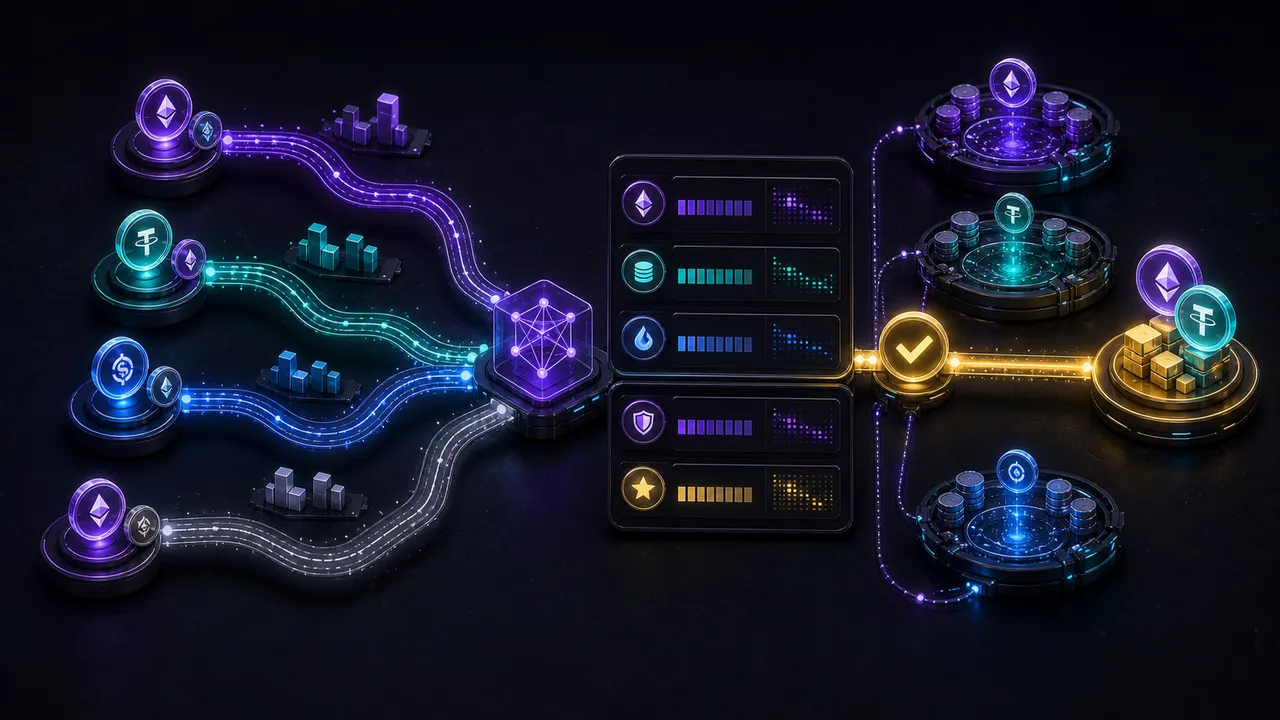
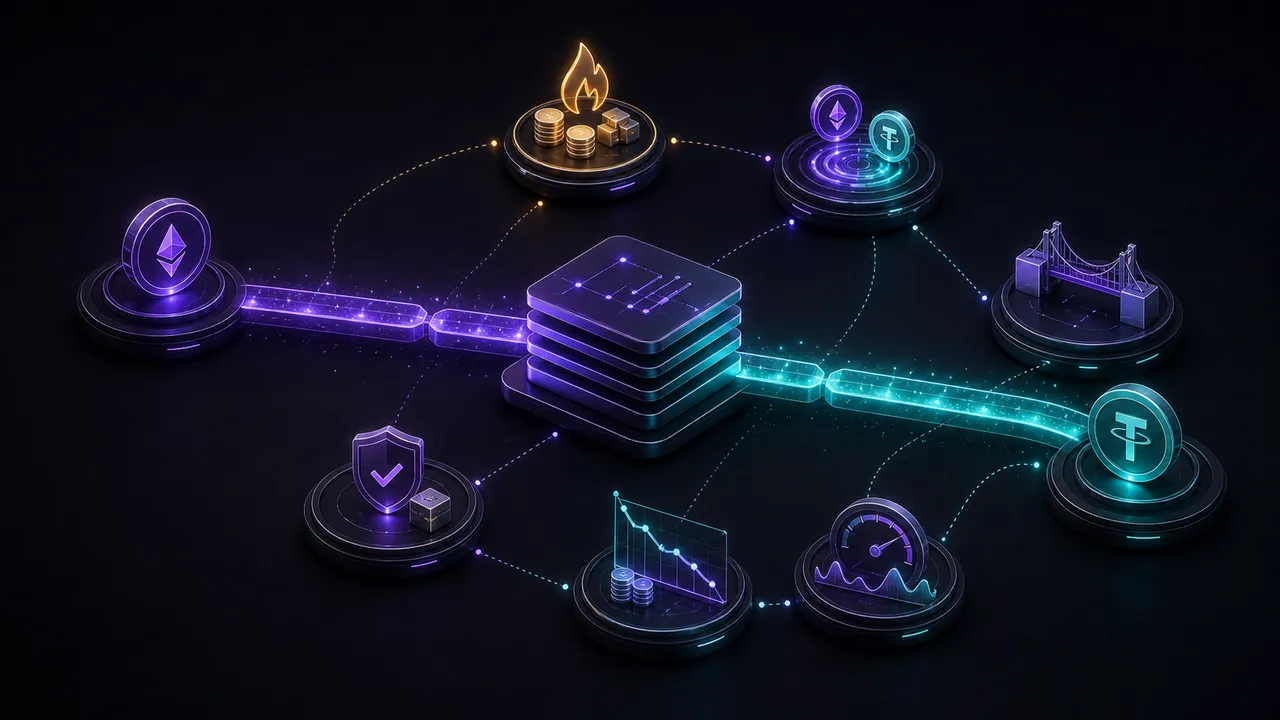
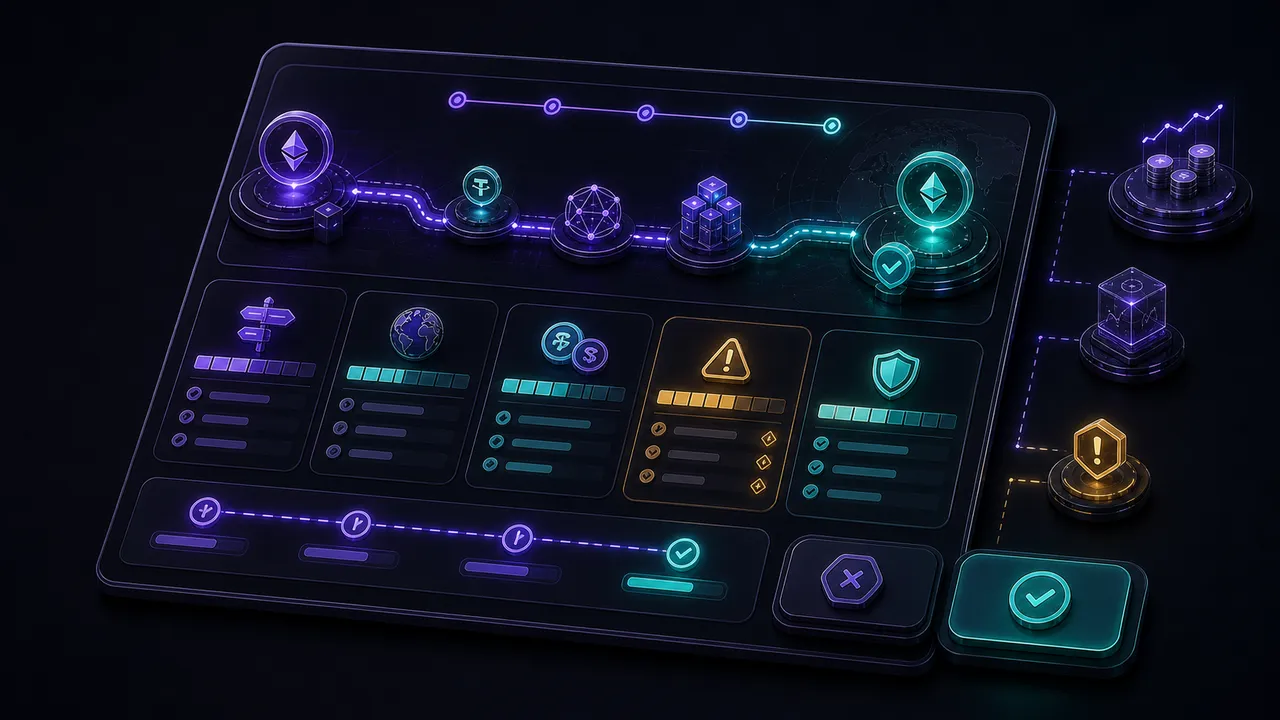
A good route card should help you answer a few questions quickly: what route type is this, what network context does it use, what asset do I receive, and what could still change before the swap completes?
Start with the route type
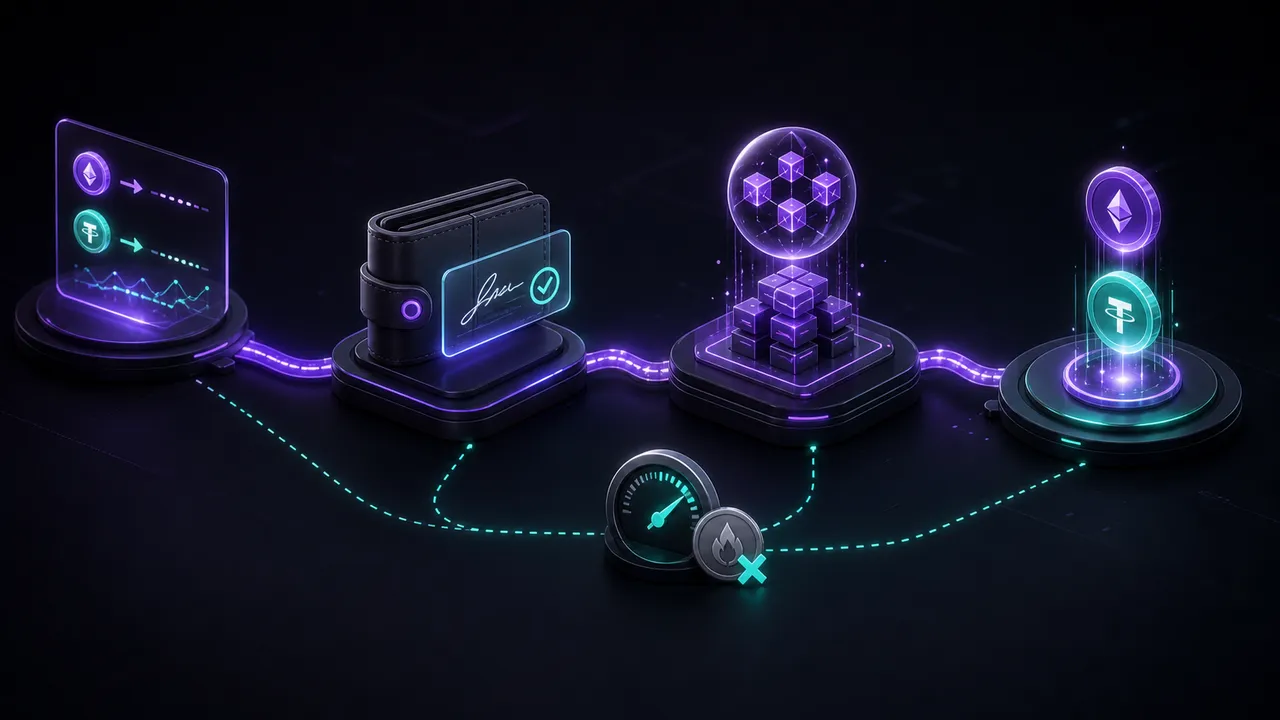
Route type changes the execution model. Some routes are provider-mediated, while onchain DEX routes require wallet signing. Read that label first because it tells you what kind of execution to expect.
Confirm the destination
Make sure the destination asset and destination network match what you actually want. This matters most on cross-chain routes where the final asset may be on a different network from the one you started with.
Check the amount and caveats
The expected receive amount is only one part of the decision. Also check route timing, route availability, and any execution notes that explain why a route may disappear or refresh.
Know when to stop
If a route label, destination asset, or timing note is unclear, stop and refresh or choose a different route. The best route is not just the number that looks largest. It is the route you understand well enough to execute safely.
FAQ
Is the biggest receive amount always the best route?
No. A route also needs to match the execution model and destination you actually want.
Can a route be unavailable later?
Yes. Route availability can change between quote time and confirmation.
Return to the MindSwap homepage to compare route cards directly.
ヒント
Compare route labels with the live widget open
Use the homepage as the primary product hub and the blog as your explainer layer.